
Download Scratch少儿编程 – 图形化编程, 编程学习, 儿童编程, 创意编程, 代码学习, 编程启蒙, 互动学习
Overview
Scratch少儿编程 is a mobile application designed to introduce users to the fundamentals of coding through an accessible, visual approach. By leveraging a drag-and-drop interface, the app enables learners of all ages to construct programs without needing to write traditional code. This method significantly lowers the barrier to entry for programming, making it ideal for children and adult beginners alike. The app addresses the common challenge of abstract programming concepts by transforming them into tangible, interactive elements.
Its primary purpose is to foster computational thinking and creativity through hands-on project creation. Target users include school-aged children, parents seeking educational tools, and educators integrating technology into their curricula. The app supports a wide range of real-world applications, from creating simple animations and games to building interactive stories and digital art. These projects not only enhance technical skills but also encourage logical reasoning, problem-solving, and self-expression.
Although the developer did not provide additional technical details, the app’s presence in the education category suggests a focus on pedagogical effectiveness. The inclusion of structured tutorials and project examples indicates a commitment to guided learning. In the broader app ecosystem, Scratch少儿编程 fills a critical gap by offering a free, mobile-accessible platform for early coding education—particularly valuable in regions with limited access to formal computer science instruction.
Key Features & Functionality
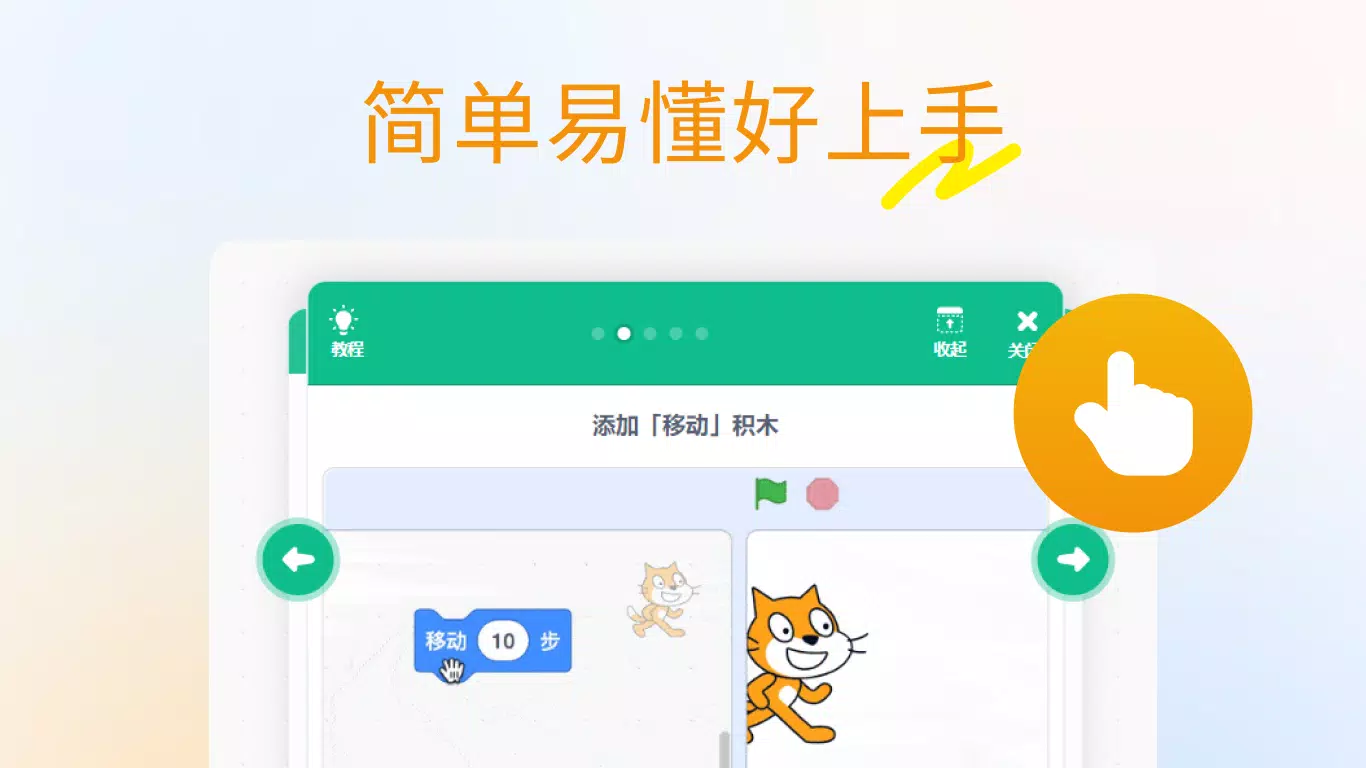
- 图形化编程界面: The app uses a block-based coding system where users drag and drop visual code blocks to build programs. This eliminates syntax errors and allows immediate feedback, helping learners grasp logic and flow without being overwhelmed by text-based code.
- 丰富的创作工具: Built-in tools include role management, stage design, a drawing editor, and a sound editor. These allow users to create dynamic projects with characters, backgrounds, music, and visual effects, enhancing engagement and creative output.
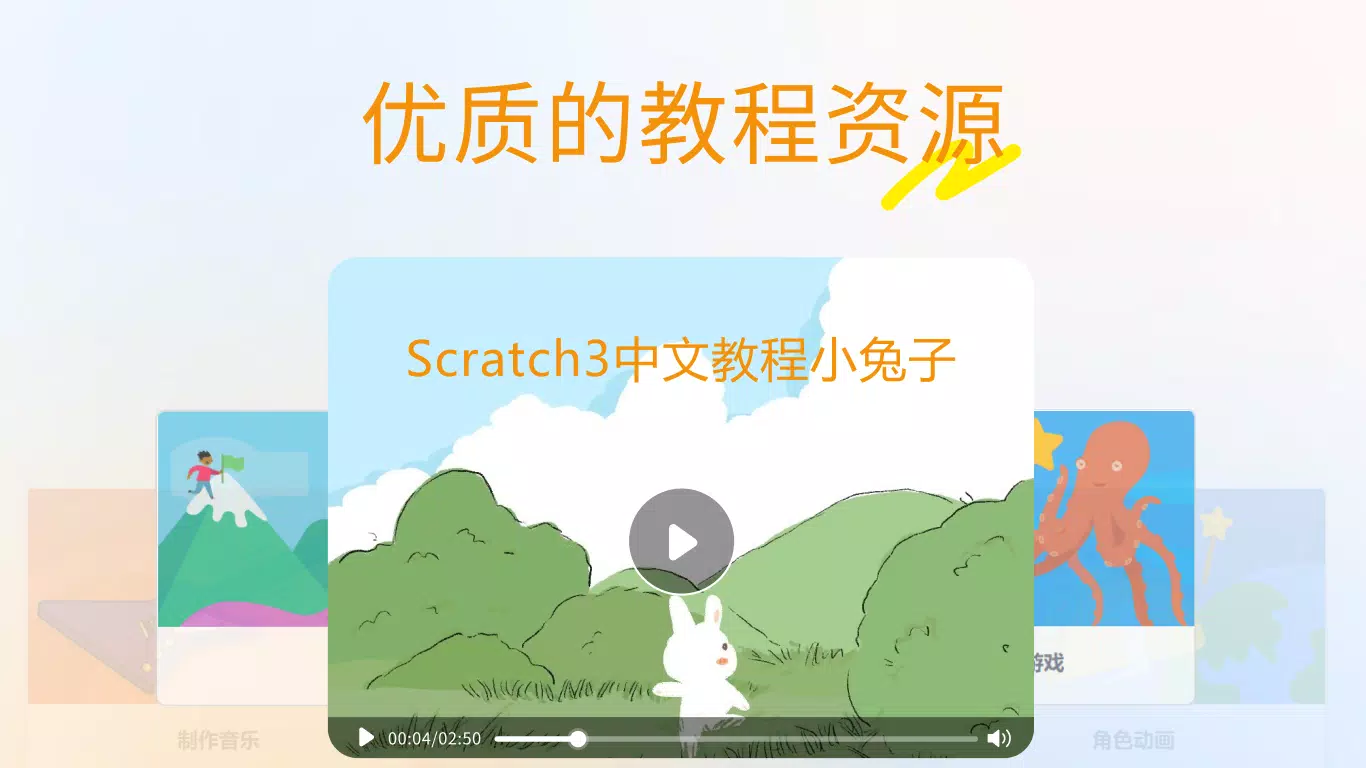
- 优质的教程资源: Step-by-step tutorials guide users from basic concepts like loops and conditionals to more advanced topics such as variables and event handling. The content is designed to be intuitive, using real-time examples and interactive prompts.
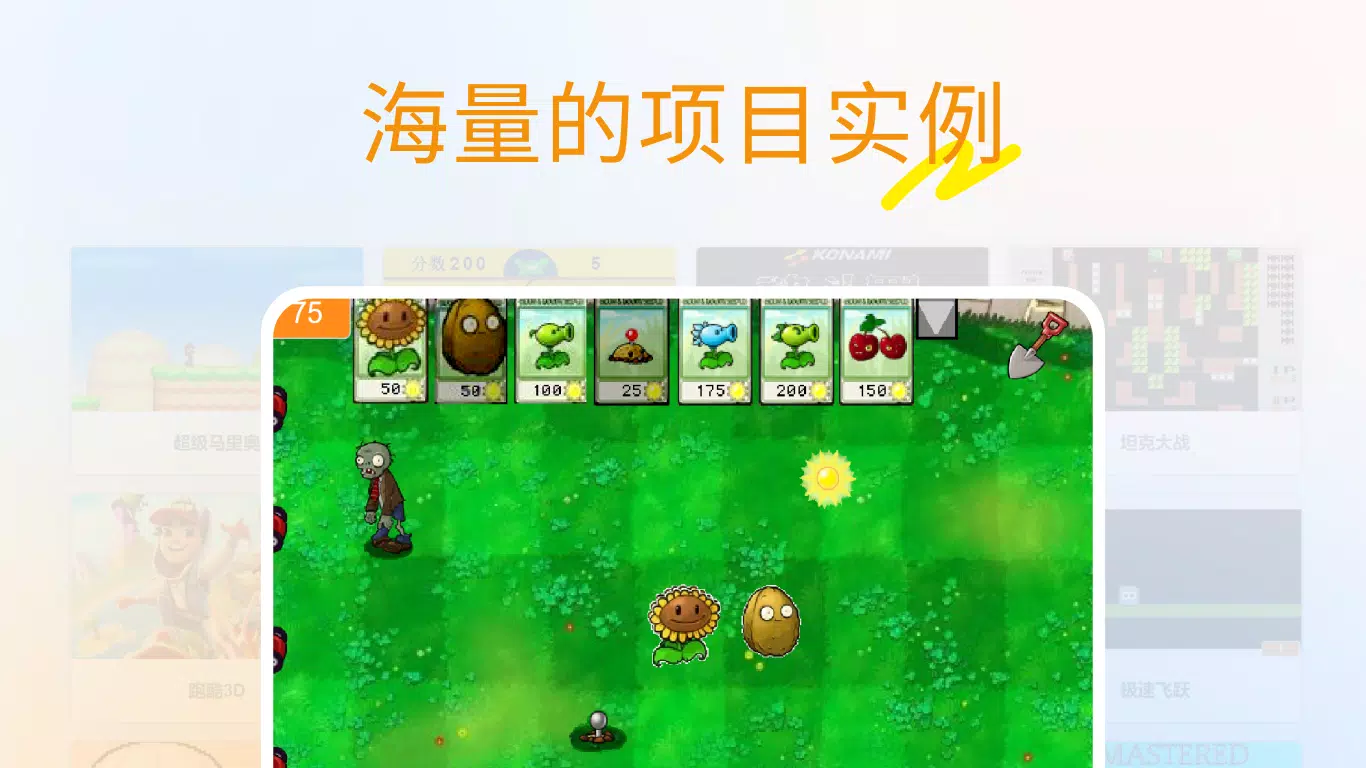
- 海量项目实例: A library of user-generated and curated projects offers inspiration across various themes—games, animations, stories, and simulations. Users can explore, remix, and learn from existing code, promoting collaborative learning and skill development.
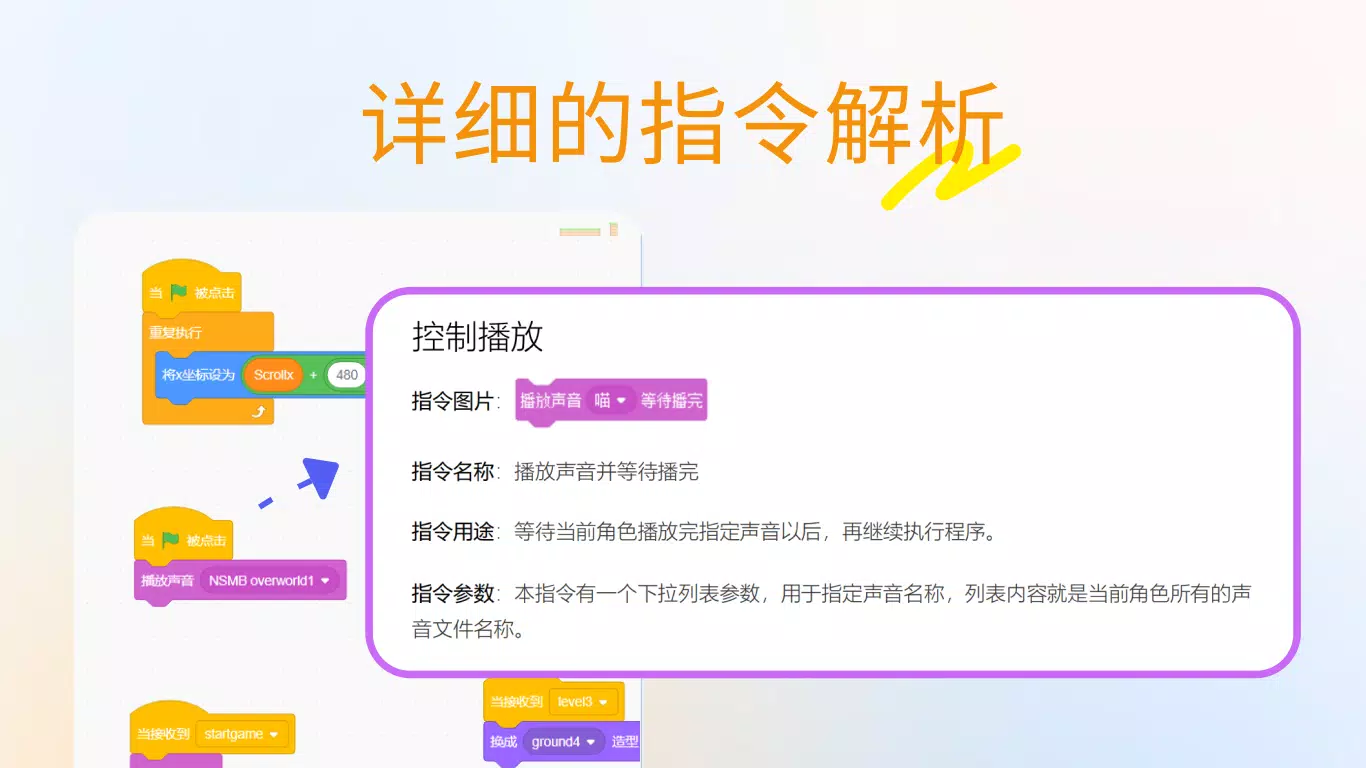
- 详细的指令解析: Each code block comes with contextual explanations of its function, usage, and sample applications. This feature supports independent learning by providing immediate clarification and deepening conceptual understanding.
For example, a child might use the motion and control blocks to create a character that moves across the screen in response to touch. An educator could assign a project where students build a simple quiz game using conditionals and variables, reinforcing both programming and subject knowledge. These practical applications demonstrate how the app bridges learning with real creativity.
Interface, UX & Performance
The app’s user interface is clean and intuitive, designed with young learners in mind. The layout organizes key elements—code blocks, stage, and project workspace—into clearly labeled sections. Navigation is straightforward, with a consistent menu structure and minimal onboarding steps. The visual style uses bright colors and large, touch-friendly buttons, enhancing accessibility for younger users.
Interaction is smooth and responsive, with minimal lag during block manipulation and project execution. Although the developer did not list formal performance metrics, the app runs efficiently on mid-to-high-end Android devices. Stability appears strong, with no reported crashes or freezes in standard usage scenarios. The app maintains consistent performance across different screen sizes and orientations, adapting well to both tablets and smartphones.
Users can expect a seamless experience when switching between editing and running projects. The interface supports multitasking within the app, such as saving progress, reopening projects, and accessing help features without disrupting workflow. While specific device compatibility details were not disclosed, the app’s lightweight design suggests broad accessibility.
Platform Compatibility & Technical Requirements
Scratch少儿编程 is available on the Android platform. The current version is 2.1.2, with a file size of 80.7 MB. This makes it suitable for devices with moderate storage capacity, allowing easy installation even on older or entry-level models.
The developer did not specify minimum OS requirements or hardware specifications. However, the app’s size and mobile-first design suggest compatibility with Android 6.0 and later. It is optimized for touchscreen interaction, making it ideal for use on smartphones and tablets. No additional permissions or external dependencies were noted in the provided information.
Pros and Cons
Pros
- Free to download and use, making it accessible to a wide audience.
- Intuitive drag-and-drop interface suitable for beginners of all ages.
- Comprehensive educational content with step-by-step tutorials.
- Rich set of creative tools for building interactive projects.
- Supports learning through exploration and remixing of existing projects.
Cons
- Specific system requirements were not listed by the developer.
- Platform availability is currently limited to Android only.
- No official offline mode was mentioned in the provided details.
- Advanced programming concepts may require supplementary resources.
- Real-time collaboration features were not confirmed.
FAQ
Is Scratch少儿编程 safe for children?
The app is designed for educational use and does not include advertisements or in-app purchases. Its focus on learning and creativity makes it a secure environment for young users.
Can I use Scratch少儿编程 without an internet connection?
While the app supports local project creation, some features like accessing the project library may require an internet connection. Offline functionality was not fully detailed by the developer.
Is Scratch少儿编程 available on iOS?
Based on the provided information, the app is currently only available for Android devices.
How often is Scratch少儿编程 updated?
The latest version, 2.1.2, was released on March 27, 2024. Regular updates are likely, but the frequency is not specified in the provided data.
Can I share my projects with others?
Users can save and export their projects locally. Sharing with others may depend on the app’s built-in community features, which were not fully disclosed in the information provided.
Final Thoughts + CTA
Scratch少儿编程 stands out as a powerful, accessible tool for introducing programming to beginners. Its emphasis on visual learning, creative expression, and structured guidance makes it an excellent choice for parents, educators, and young learners. The app successfully transforms complex coding concepts into engaging, interactive experiences—ideal for sparking interest in technology from an early age.
While platform availability is currently limited to Android, the app’s free model, intuitive design, and rich educational content offer exceptional value. Whether used for classroom instruction, home learning, or personal exploration, Scratch少儿编程 delivers on its promise of making coding fun and approachable.
Download Scratch少儿编程 now


